1
Choose the simplest mode
Use Quick for equal splits, Weighted when people should pay different proportions, or Itemised when specific meals or drinks need separating.
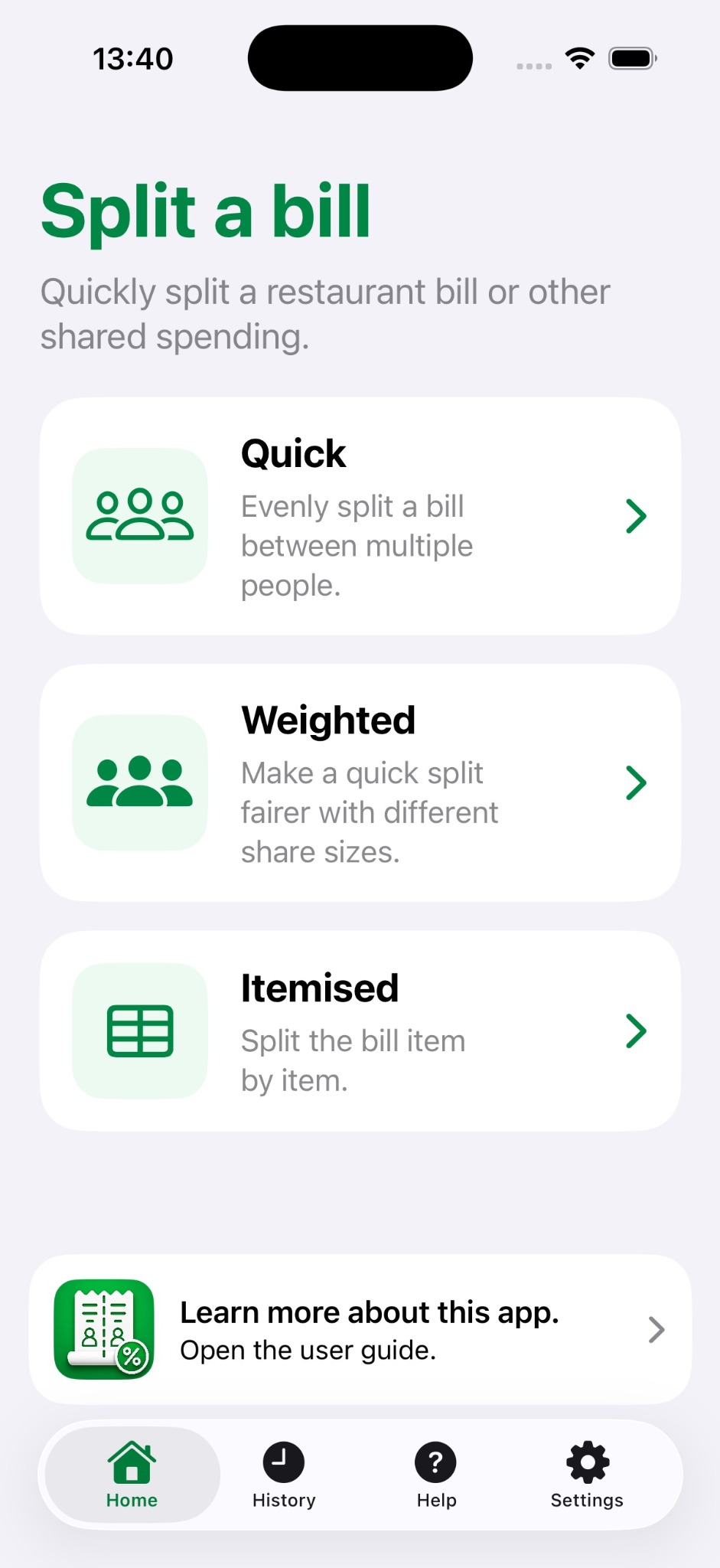
Start simple, add detail only when the bill genuinely needs it, and save the result when it is useful to keep.
Use Quick for equal splits, Weighted when people should pay different proportions, or Itemised when specific meals or drinks need separating.
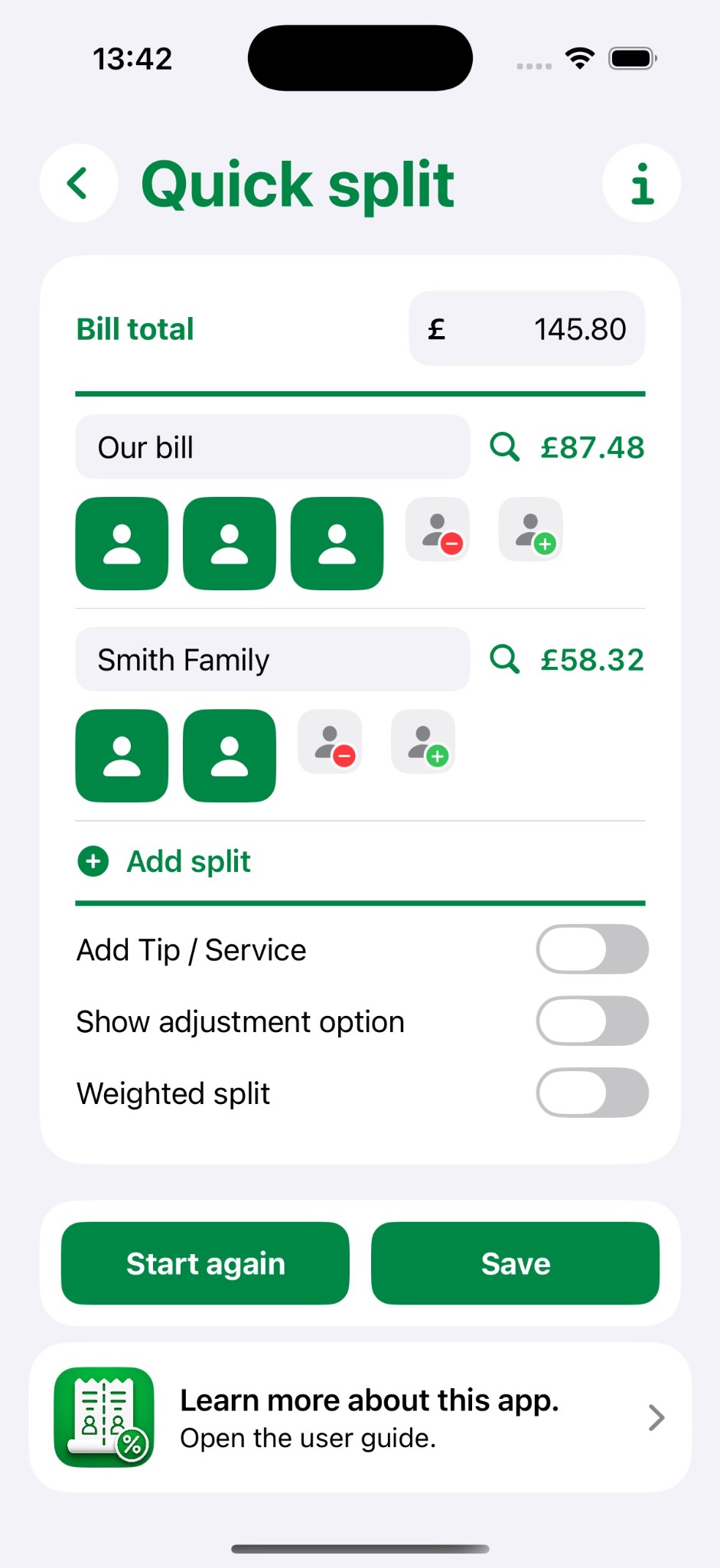
In Quick mode, enter the bill total and create people or groups such as a couple, family or individual. The amount owed updates immediately.
Assign a lower or higher weighting to people who spent noticeably less or more. This gives a fairer approximation without entering every receipt line. Your weighting choices are preserved if you switch between Quick and Weighted.
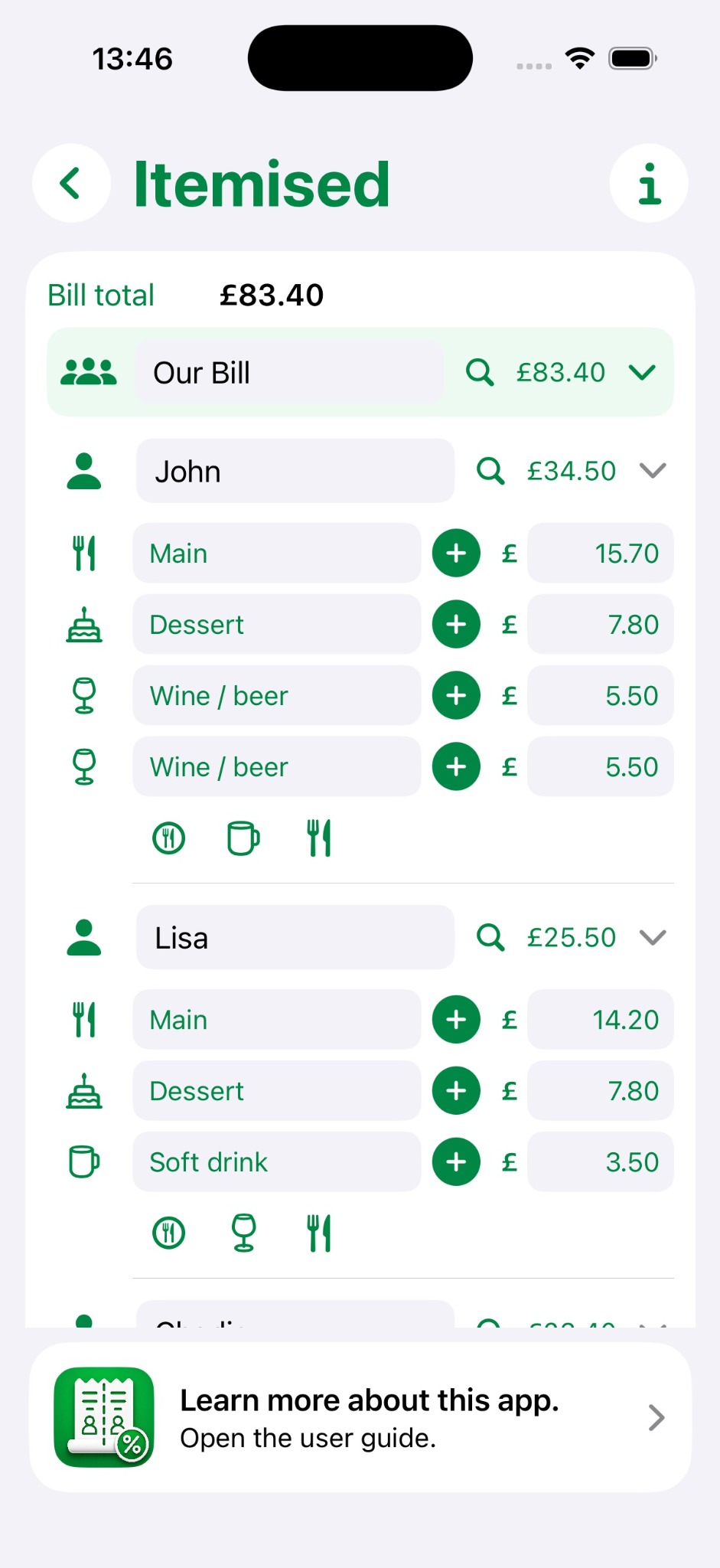
Add the relevant categories and items for each person or group. Use duplicate or custom rows when needed and hide categories that are not relevant.
Turn on tip or service and enter a percentage. In Quick or Weighted bills, add a positive or negative adjustment when one split should pay a specific amount more or less.
Add a reference, date, notes and optional receipt photos. Saved bills remain editable in History and can be shared through the standard Apple share sheet.
When your iCloud account is available, saved and active bill information can synchronise across compatible Apple devices. If iCloud is unavailable, the app continues to work locally.
Use the simplest split that gives a fair result. If an equal split works, stop there. If one person clearly spent less or more, try a weighting or adjustment. Use full itemisation only when the detailed differences genuinely matter.
Dinner Bill Splitter performs calculations from the information you enter. Always confirm the original bill, service charge, discounts and the final amounts everyone actually needs to pay.