
Equal when equal works
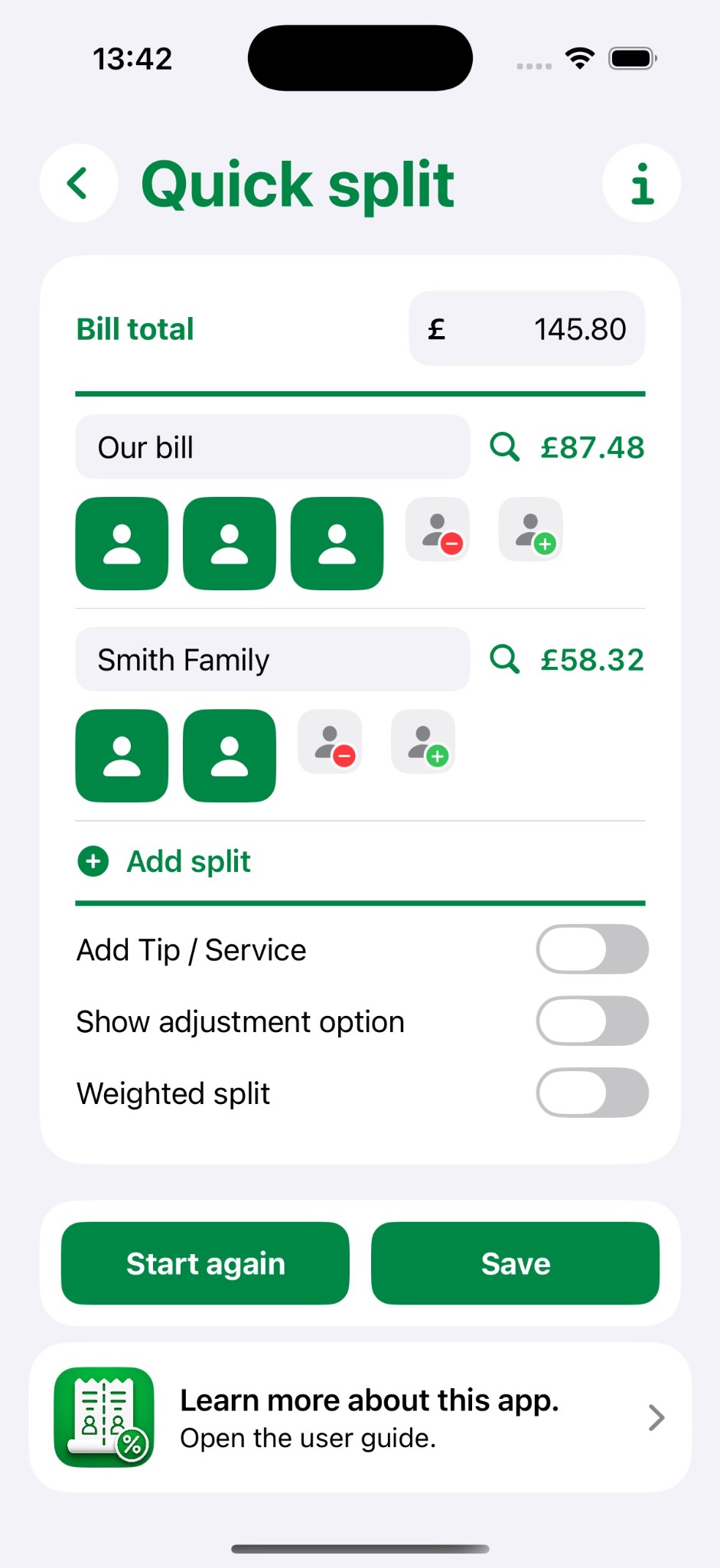
Enter the total, choose the people or groups and see what everyone owes immediately.
Quick equal splits, smarter weighted splits, or itemise only what matters. Dinner Bill Splitter is designed to answer the question that matters: who should pay what?
Calculations are provided as guidance. Always check the original bill and confirm the amounts everyone needs to pay.
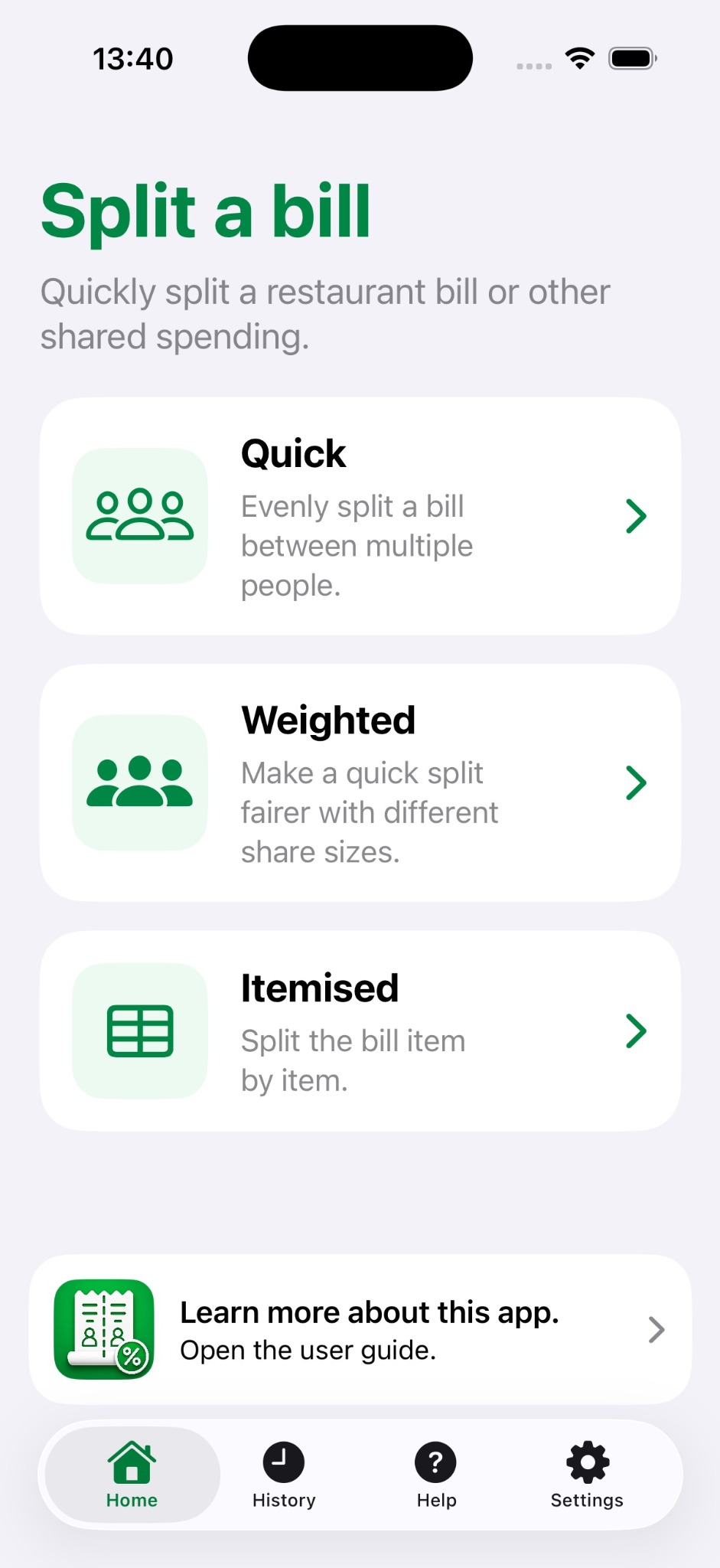
Not every bill needs the same amount of effort. Choose the mode that matches how complicated the real bill actually is.
Enter the total, choose the people or groups and see what everyone owes immediately.
Give people a smaller or larger share when spending was clearly different.
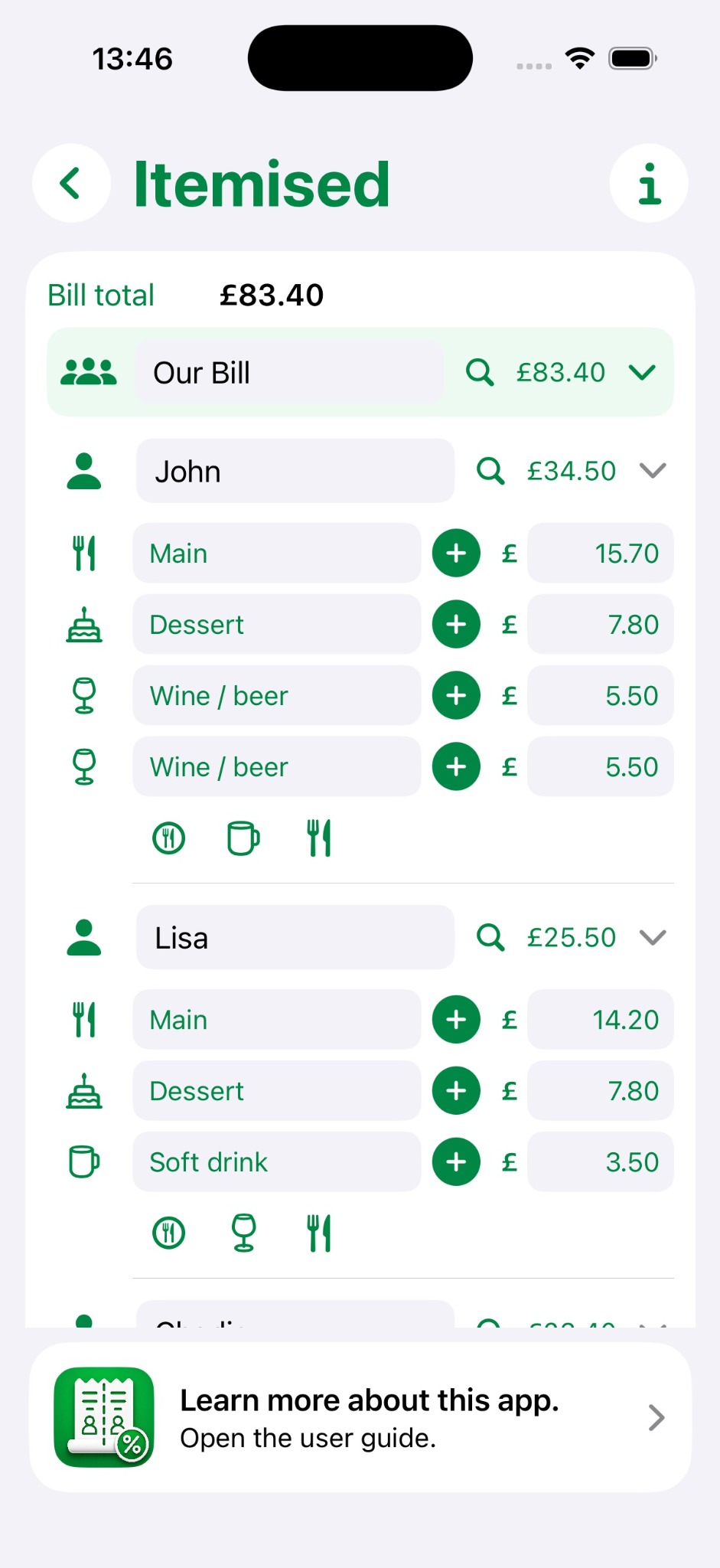
Add the relevant mains, desserts, drinks or custom items without reproducing every receipt line.
For many meals, everyone is sharing roughly equally. Enter the bill total, name the splits and add people as needed. Totals update immediately.
Weighted mode is useful when a simple equal split is close, but not quite right.
Use a normal 100% share for people who spent roughly the expected amount.
A child or light spender can have a lower weighting without entering every item separately.
Give a larger weighting to someone who clearly ordered or drank more than the rest.
Add an individual adjustment for a bottle of wine, previous purchase or other specific difference.
If people genuinely ordered different things, switch to Itemised. Add only the categories and items that make the result fair rather than rebuilding the entire receipt.
Receipt photos can be kept with a saved bill, but scanning and correcting every receipt line is deliberately not part of the core workflow.
Save a bill when you want a record of who paid what, then return to it later.
No separate Dinner Bill Splitter account, no bank connection and no payment processing. The app focuses on calculating and recording a fair split, while standard Apple sharing lets you send a summary through the apps already on your device.
Advertising may be added in a later release to help keep the app free, without becoming part of the bill-splitting workflow.
Use the simplest split that gives a fair result — and move on with your evening.